Panduan langkah demi langkah untuk tingkatkan skil Power BI
Power BI adalah sebuah platform business intelligence (BI) yang dikembangkan oleh Microsoft.
Tujuan utamanya adalah untuk membantu pengguna dalam mengumpulkan, menganalisis dan mem_visualisasikan data dengan cara yang mudah difahami, sehingga dapat mendukung dalam membuat keputusan yang lebih baik.
Power BI menyediakan berbagai alat untuk merancang laporan interaktif yang memudahkan anda dalam mengelola dan menginterpretasikan data besar dari berbagai sumber.
Data anda mungkin dalam bentuk hamparan Excel, atau koleksi gudang data berasaskan awan dan hibrid di premis.
Ia membolehkan anda menyambung dengan mudah ke sumber data anda, menggambarkan dan mengenal pasti perkara yang penting, serta berkongsi dengan sesiapa sahaja yang anda mahu.
Anda mahu belajar skill Power BI dari asas?
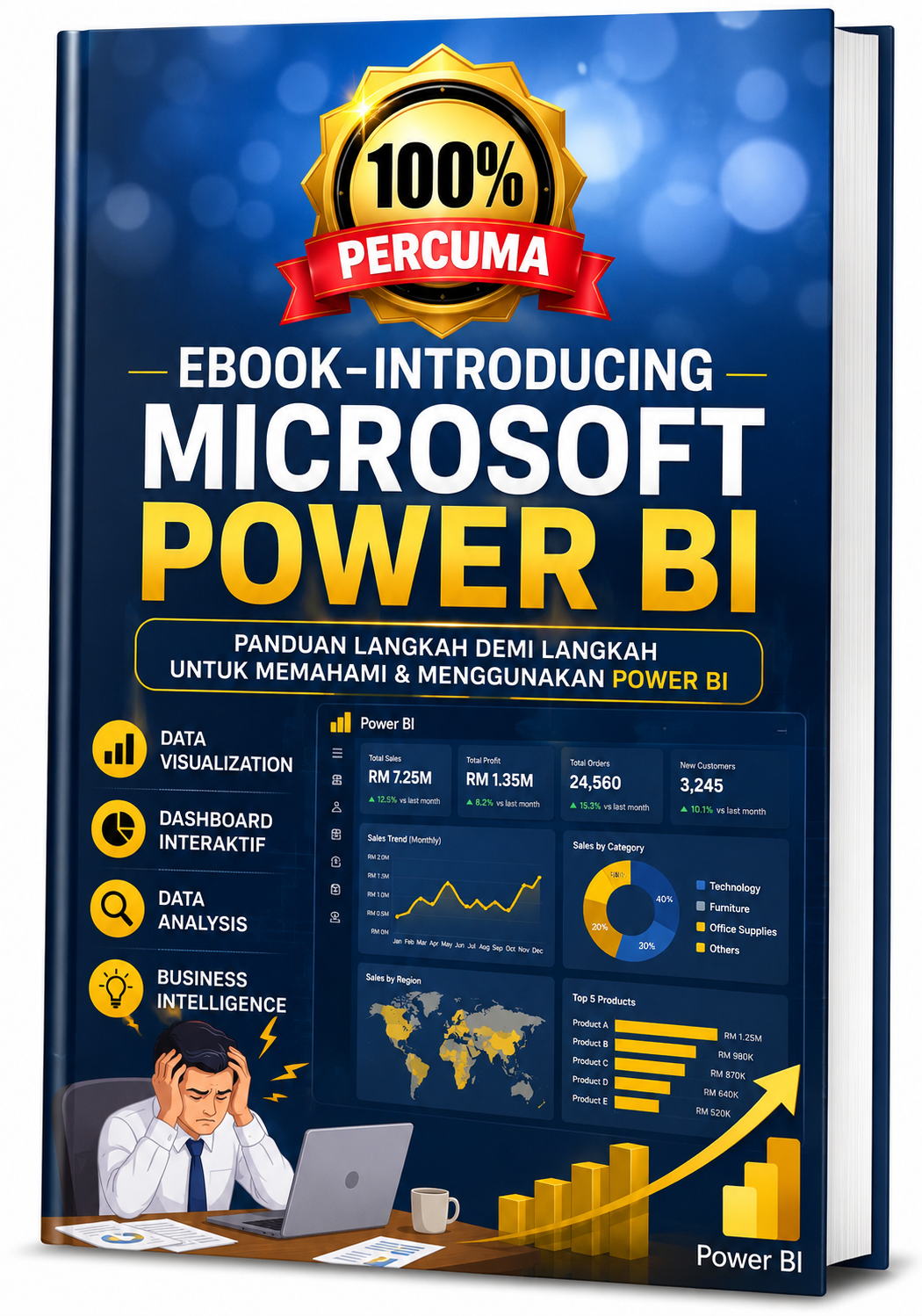
Dapatkan e-book Power Bi secara percuma
Ebook ini sesuai untuk anda yang mahu belajar Power BI secara self study
Isi Kandungan Ebook
EBOOK – INTRODUCING TO MICROSOFT POWER BI
Module 1 – Introducing Power BI
- Getting started with Power BI
- Uploading data to Power BI
- Introducing natural-language queries
- Introducing Quick Insights
- Introduction to reports
- Introducing Visual Interactions
- Decorating the report
- Saving the report
- Pinning a report
- Refreshing the budget workbook
- Filtering a report
Module 2 – Sharing The Dashboard
- Inviting a user to see a dashboard
- Inviting users outside your organization
- Creating a group workspace in Power BI
- Turning on sharing with Microsoft OneDrive for Business
- Viewing reports and dashboards on mobile devices
Module 3 – Understanding Data Refresh
- Introducing data refresh
- Introducing the Power BI refresh architecture
- Introducing Power BI Desktop
- Publishing to Power BI
- Installing the Power BI Personal Gateway
- Configuring automatic refresh
Module 4 – Using Power BI Desktop
- Connecting to a database
- Loading from multiple sources
- Using Query Editor
- Hiding or removing tables
- Handling seasonality and sorting months
Module 5 – Getting Data From Services And Content Packs
- Consuming a service content pack
- Creating a custom dataset from a service
- Creating a content pack for your organization
- Consuming an organizational content pack
- Updating an organizational content pack
Module 6 – Building A Data Model
- Loading individual tables
- Implementing measures
- Creating calculated columns
- Improving the report by using measures
- Integrating budget information
- Reallocating the budget
Module 7 – Improving Power BI Reports
- Choosing the right visualizations
- Choosing between standard visuals
- Using custom visualizations
- First steps with custom visualizations
- Improving reports by using custom visualizations
- Identifying conditions when custom visualizations are required
- Using DAX in data models
- Creating high-density reports
Module 8 – Using Microsoft Power BI In Your Company
- Getting data from existing systems
- Understanding differences between data refresh and live connections
- Using relational databases on-premises
- Using relational databases in the cloud
- Using live connections to Analysis Services
- Integrating Power BI with Office
- Publish Excel data models in Power BI
- Consume Power BI content from Excel
- Using Power BI Tiles from Office Store
- Managing security to access data
- Using row-level security
- Extending and customizing Power BI
- Creating custom visualizations for Power BI
- Introducing the Power BI REST API
- Pushing real-time data to Power BI dashboards
- Power BI embedded in applications
Download Ebook - Introducing Microsoft Power BI

Contact Us:-
Sk Biz Solution Technology Sdn Bhd (1015977-P)
*A HRD Corp–Accredited Training Centre
We help working professionals build skills and thinking to become more valuable at work.
Address: No. 7-1 , Jalan U3/3 (BK), Seksyen U3, 40150 Shah Alam, Selangor.
Hotline No: 017-694 7031 (Call / Whats App)
Email: hi@skbizsolution.net
